BLENDERのTwitterイラスト検索結果。 41,570 件中 233ページ目


So here I go: since my current conceptart workflow includes a lot of 3D let's make a good use of it. To start a 3D buddy from CSP was enough, while you can also use Blender or any 3D software for this. Having his dagger modeled for a while was super useful too.


Managed to figure out fast pattern dithering with arbitrary palettes :)) It's really fun to experiment with different colour combinations! #blender3d


blender生活338日目(くらい)
今回のオリジナルの方向性はこんな感じです。
厨二病(LV40)みたいな感じで自分の趣味を全開で盛り込んでいく予定です。
厨二病は不治の病です。
#blender #Blender3d #b3d


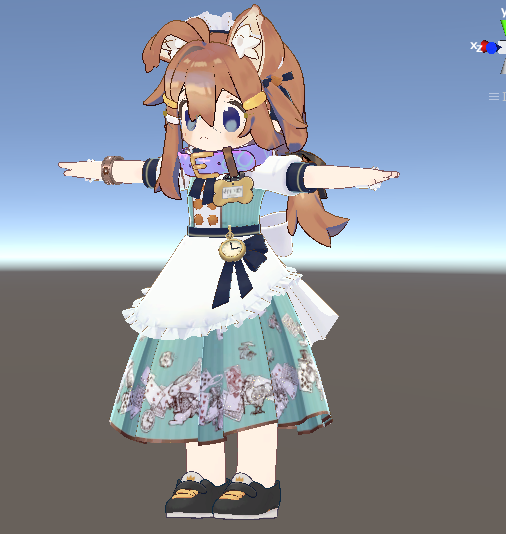
サイズ変更だけでほぼほぼ服は合うのだけど・・・。
すごない?なんたる偶然。
カフスは調整しないとダメっぽいけども。
靴も多分blenderと殴り合わないと無理だろうなぁ。

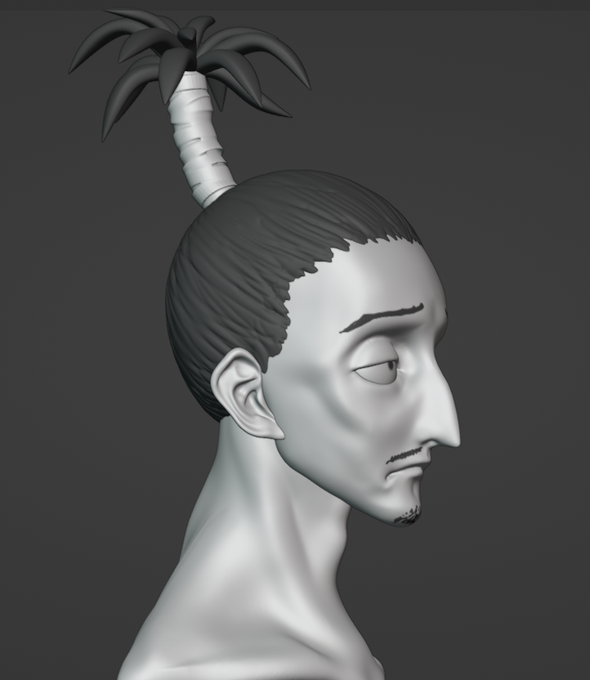
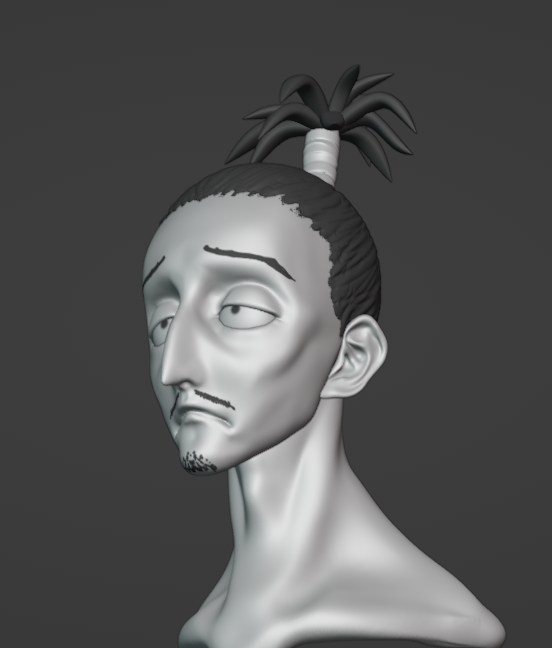






basically finished my ENA model and base rig tee hee!
#ENA #Blender3d #eevee #blender #3d

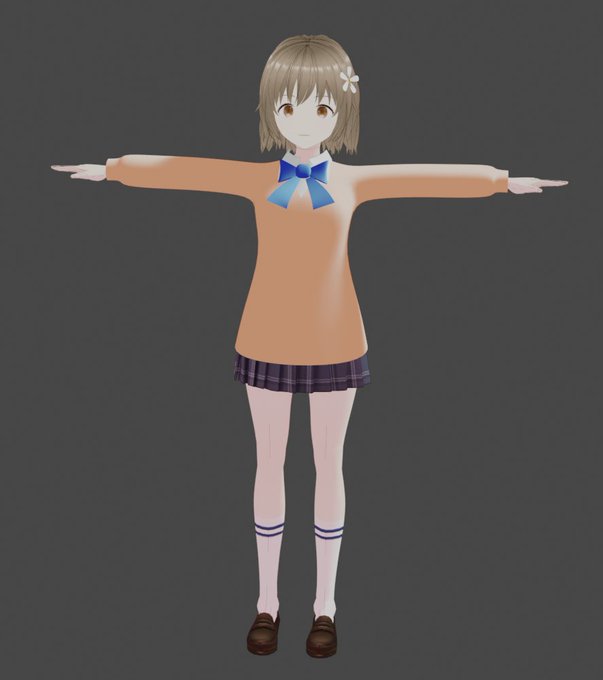





#今年も残りわずかなのでお気に入りの4枚を貼る
お気に入りっていうか今年全然作ってなくてこれしかない🥹
順にblender、Zbrush、Vroid、maya。mayaのセミリアルはなんか怖くなったから再掲したくなかったけど枚数が足りなかったw
来年は何かリクエストあったらくださいがんばる😂




Made a model of Toree from Toree3D! This is such a fun 3D platformer! I really recommend it!
#Toree3D #Toree #Toree2 #Blender3D

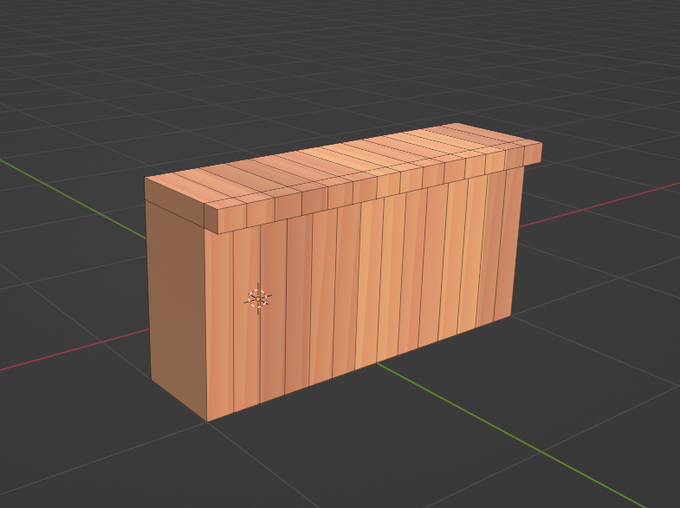

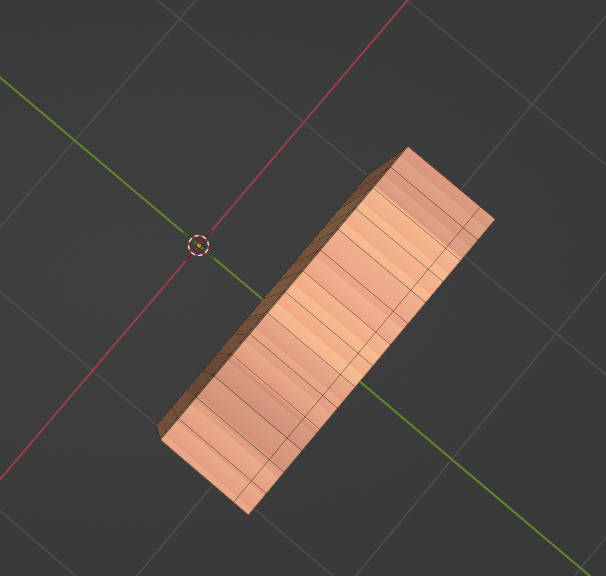
@2o5i3r8 Blenderで曲げカウンターやる方法としては、普通に横長のカウンターを作ってシンプル変形モディファイアで曲げる手もありますよ。
1,カウンターを作って曲げる面を分割
2,シンプル変形モディファイアを設定
3,ちなみにシンプル変形の曲げはオブジェクトの原点を中心に曲げるので上からだとこんな感じ